
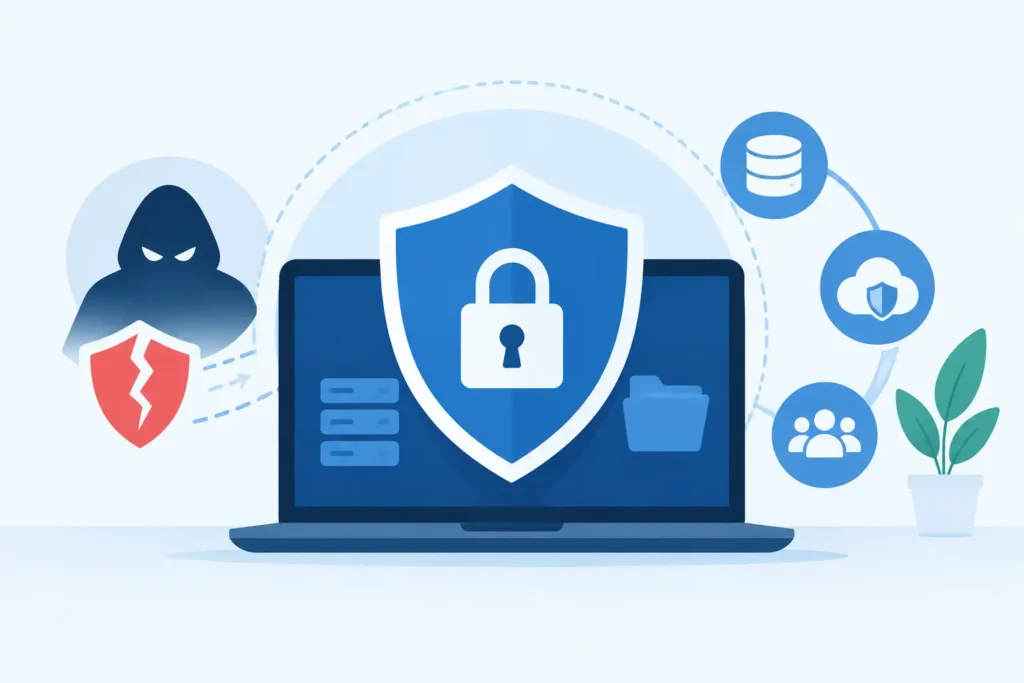
A single convincing email can put customer records, bank details, employee information, and years of business trust at risk. The best protection for data breaches is not one software purchase or one insurance policy. It is a practical plan that combines safer daily habits, sensible technology controls, and coverage that can help your business respond when prevention fails.
For small businesses, professional offices, retailers, contractors, and growing companies, cyber risk is no longer limited to large corporations. A stolen password, misdirected email, ransomware attack, or compromised vendor account can lead to expensive downtime and difficult conversations with customers. The goal is not to create fear. It is to make sure your business is prepared to prevent common incidents and act quickly if one occurs.
Why Data Breach Protection Requires More Than Antivirus Software
Antivirus tools still have a role, but many breaches begin somewhere else. An employee may enter credentials into a fake login page. A criminal may impersonate a vendor and request a payment change. A laptop may be lost without encryption. A cloud account may be left open with weak access settings.
That is why a layered approach matters. Each layer addresses a different point of failure. Strong account security can stop a stolen password from becoming a full account takeover. Staff training can reduce the chance of a successful phishing email. Reliable backups can limit the damage of ransomware. Cyber insurance can provide financial and professional support after an event.
No business can eliminate every risk, especially when criminals continuously adjust their methods. But businesses can make themselves harder targets and reduce the cost of recovery.
The Best Protection for Data Breaches Starts With Access Control
Most organizations have more access than they truly need. Former employees may still have active accounts. Staff members may share passwords for convenience. One employee may have permission to view customer data, financial records, and administrative settings even though their role only requires part of that access.
Start by identifying where sensitive information lives. This may include email accounts, payroll platforms, accounting systems, customer relationship management software, payment processors, cloud storage, and mobile devices. Then determine who needs access to each system to do their job.
Use unique, complex passwords and require multi-factor authentication wherever it is available. Multi-factor authentication adds a second verification step, such as an authentication app or security key. It is one of the most effective ways to limit damage from stolen credentials.
Access should also be reviewed when someone changes roles or leaves the company. Promptly remove accounts that are no longer needed. This simple step is often overlooked during busy periods, yet it closes a common door into business systems.
Train Employees for Real-World Threats
Employees should not be treated as the weak link. They are often the first line of defense when they know what to look for and feel comfortable asking questions. Training works best when it is short, relevant, and repeated instead of being a one-time presentation buried in onboarding.
Teach staff to pause before responding to unexpected requests involving passwords, payment details, gift cards, tax documents, or customer information. A message can appear to come from an owner, manager, bank, or supplier while using a slightly altered email address or an urgent tone designed to rush a decision.
Give employees a clear reporting process. If someone clicks a suspicious link or sends information to the wrong person, they need to report it immediately without worrying about blame. Fast reporting gives your technology team, vendor, or cyber response professionals a better chance to contain the problem.
Training should also cover everyday physical security. Lock screens when stepping away, keep devices secure while traveling, and avoid discussing private customer information where others can overhear it. These habits may seem basic, but they support the same goal: protecting information before it leaves your control.
Keep Systems Updated and Backups Separate
Software updates are not just about new features. Many include fixes for security weaknesses that criminals already know how to exploit. Set operating systems, browsers, security software, and business applications to update automatically when possible. If certain systems cannot update automatically, assign someone responsibility for checking them on a regular schedule.
Reliable backups are equally important. Ransomware can encrypt files and disrupt operations, but a current, protected backup may allow your business to restore critical data rather than negotiate with criminals. Backups should be tested periodically. A backup that cannot be restored when needed does not offer much protection.
It is wise to keep at least one backup separate from your main network. The right setup depends on your technology environment, data volume, and operational needs. A small office may use a managed cloud backup solution, while a larger operation may need a more structured backup and recovery process.
Protect Payments and Vendor Relationships
Payment fraud is a major concern for businesses of every size. Criminals may intercept an email chain or impersonate a trusted vendor, then send revised wiring instructions. Once funds are transferred, recovering them can be difficult.
Create a verification rule for changes to bank details or payment instructions. For example, employees can call a known phone number already on file rather than using the number included in a suspicious email. Require a second review for large transfers or unusual payment requests.
Vendors deserve attention as well. A trusted service provider can still experience a breach that affects your information. Before sharing sensitive data, understand what information the vendor needs, how it will be stored, and who can access it. For businesses handling health information, payment data, legal files, or large volumes of customer records, vendor agreements and security expectations may require extra care.
Build a Response Plan Before an Incident Happens
The first hours after a suspected breach can shape the outcome. Without a plan, business owners may lose time deciding whom to call, whether systems should be disconnected, or how to notify customers. A written incident response plan gives your team a calmer starting point.
Your plan should identify who has authority to make decisions, who handles technology issues, and how to contact key partners after hours. Keep contact information for your IT provider, legal counsel, bank, payment processor, and insurance representative readily available. It should also explain how employees report suspected incidents and who communicates with customers, vendors, and the public.
Do not assume every event requires the same response. A lost company phone, a compromised email account, and a ransomware attack involve different facts and legal obligations. Preserve relevant evidence, document what happened, and get professional guidance before making broad public statements. Notification rules can vary based on the type of data involved and the states where affected individuals live.
Where Cyber Insurance Fits Into Your Protection Plan
Cyber insurance is designed to help a business manage the financial consequences of certain cyber events. Depending on the policy, coverage may help with forensic investigation, legal guidance, notification expenses, credit monitoring, data restoration, business interruption, ransomware-related costs, and liability claims from affected parties.
Coverage is not identical from one policy to another. Limits, deductibles, waiting periods, ransomware terms, social engineering coverage, and business interruption provisions can make a meaningful difference. Some policies also provide access to breach response vendors, which can be especially valuable when a business needs experienced help quickly.
Cyber insurance is not a substitute for reasonable security practices. Insurers may ask about multi-factor authentication, backups, employee training, and payment controls during the application process. These questions are useful because they highlight the controls that can reduce the likelihood and severity of a loss.
A local independent agency such as NewEdge Insurance Agency can help business owners review their specific exposure in plain English. A professional firm holding confidential client files has different concerns than a retailer processing payment information or a contractor relying on mobile devices in the field.
A Practical Starting Point for Small Businesses
If your business has not yet formalized cyber protection, begin with the actions that produce the most immediate improvement. Turn on multi-factor authentication for email, financial accounts, and cloud storage. Confirm that software updates and backups are working. Review who has access to sensitive systems. Establish a simple process for verifying payment changes, and give employees a clear way to report suspicious activity.
Then look at the broader picture. Consider what data you collect, what would happen if you could not access it for several days, and which outside vendors hold important information. Those answers can guide your response plan and help determine whether cyber insurance coverage fits your needs.
The most reassuring time to make these decisions is before an urgent email, locked system, or customer call forces the issue. A few thoughtful safeguards today can protect the trust your business has worked hard to earn.